crontab guru

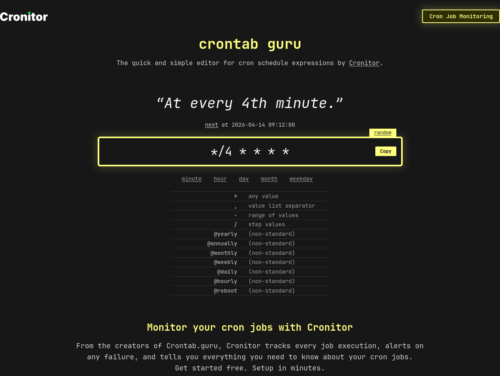

…start off by writing “@reboot.” The reboot command is key here as it tells the cron on reboot this command to run every single time. Directly after reboot, add the full file path to the bash script.
@reboot /home/derrik/startupscript.sh
evo x weight loss buy letrozole uk 5 exercises for triceps with dumbbells
I think the best way is to use WP-CLI but you’d need to write a bash script to do this.
Every user on a system may have their own crontab file. The location of the root and user crontab files are system dependant but they are generally below /var/spool/cron.
There is a system-wide /etc/crontab file, the /etc/cron.d directory may contain crontab fragments which are also read and actioned by cron. Some Linux distributions (eg, Red Hat) also have /etc/cron.{hourly,daily,weekly,monthly} which are directories, scripts inside which will be executed every hour/day/week/month, with root privilege.
Just simply run select-editor, this will let you choose any editor you want.
Cron is the worlds largest pain in the ass, that is at least in comparison to how easy it is to create timers under Systemd.